
Download Express Scribe Pro Edition – Transcription Tool, Audio Playback Control, Transcription Pedal Support, Multiple Audio Formats
Overview
Express Scribe Pro Edition is a specialized mobile application designed to streamline the audio transcription process for professionals and students who regularly work with recorded content. The app addresses the common challenges of time-consuming transcription, unclear audio playback, and inefficient workflow management by offering a focused, efficient toolset tailored to real-world needs. It enables users to convert spoken recordings into written text with minimal friction, making it particularly valuable for legal professionals, medical transcriptionists, journalists, researchers, and academic users. The app’s core purpose is to enhance productivity by simplifying the transcription workflow through intuitive controls and robust compatibility with various audio sources. While the developer’s background was not disclosed, the app’s functionality suggests a targeted approach to solving transcription pain points. Real-world use cases include transcribing interviews, lecture recordings, legal depositions, and medical dictations. In the broader app ecosystem, Express Scribe Pro Edition fills a niche for high-efficiency, low-overhead transcription tools that prioritize accuracy and workflow continuity. Its presence supports a growing demand for mobile-first solutions in content creation and documentation.Key Features & Functionality
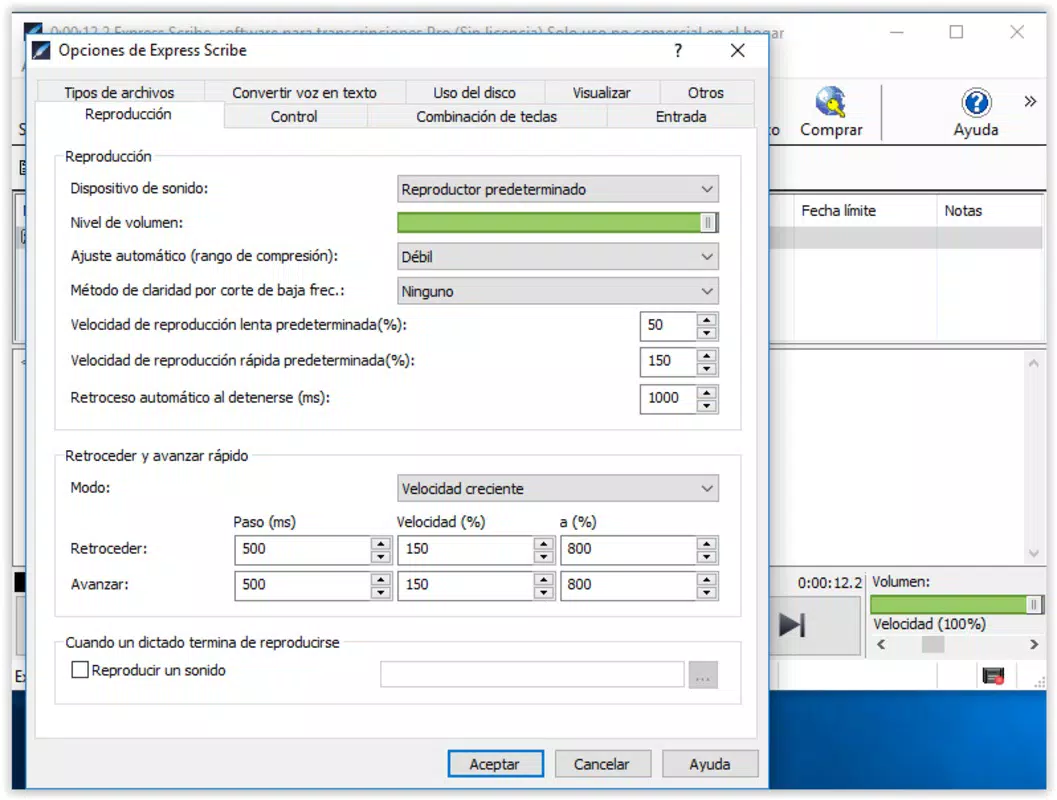
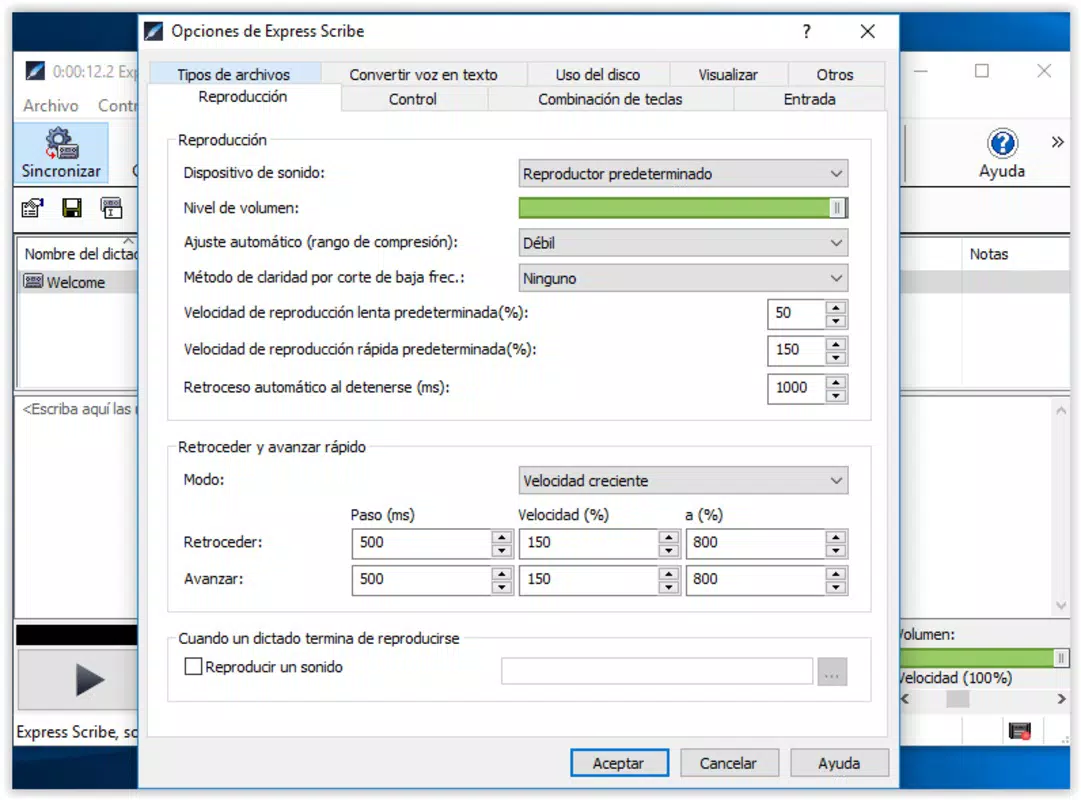
Express Scribe Pro Edition offers a suite of features designed to optimize the transcription workflow. The app includes advanced audio playback control, allowing users to adjust playback speed with precision. This functionality improves comprehension of fast or muffled speech, enabling transcribers to work at a pace that matches their listening ability. Transcription pedal support is another key feature, enabling hands-free control of playback using external hardware. This integration reduces the need for manual input, allowing users to focus on typing while maintaining seamless audio control. The app supports multiple audio formats, including MP3, WAV, and AIFF, which eliminates the need for pre-conversion and ensures compatibility with a wide range of recording devices and software. Users can work directly with files from digital dictation devices, smartphones, or cloud storage without format restrictions. Additionally, the app integrates with other transcription tools such as Dragon Naturally Speaking, combining manual transcription with automated voice recognition for increased efficiency. This hybrid approach allows users to leverage both human accuracy and AI-powered speed. For example, a medical professional could use the app to review and edit automatically generated notes, significantly reducing turnaround time.Real-World Use Case Examples
- A legal secretary can use playback speed controls to clarify a rushed deposition recording. - A student can connect a transcription pedal to transcribe lecture notes without interrupting typing. - A journalist can import raw interview audio in WAV format and begin transcription immediately.Interface, UX & Performance
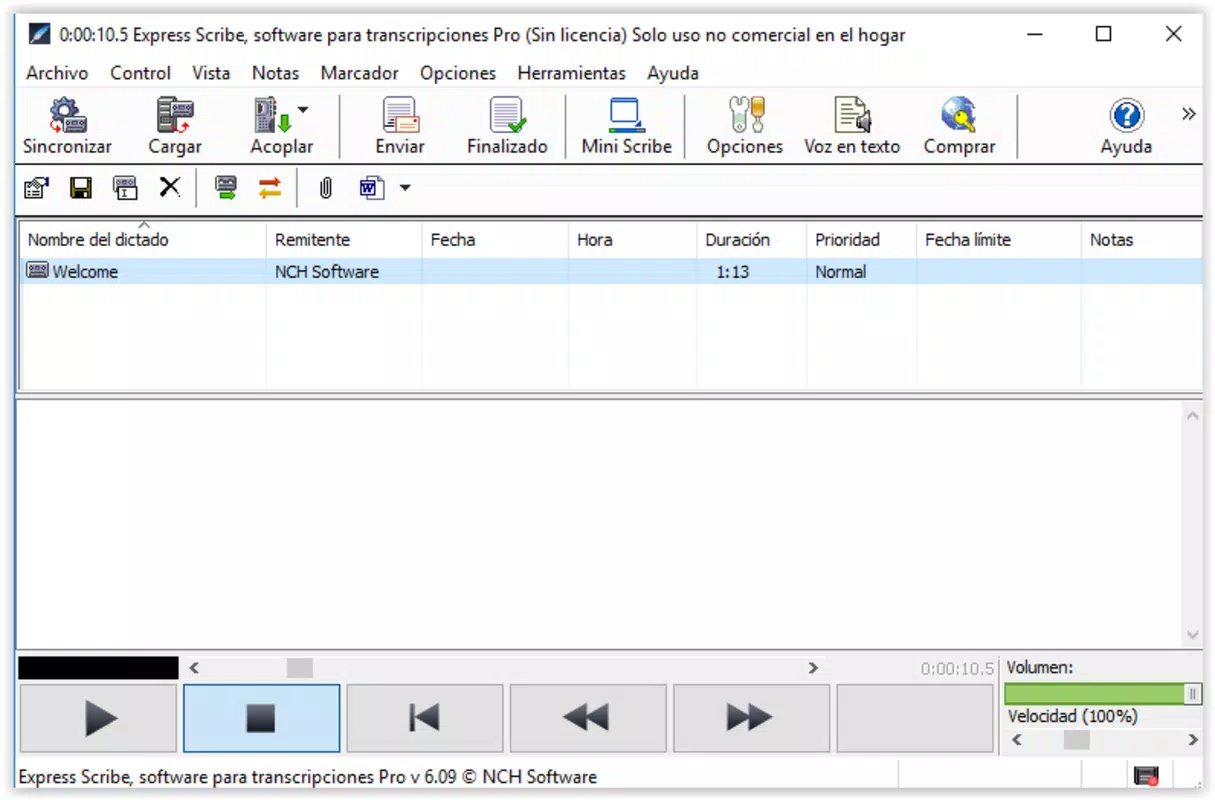
The user interface of Express Scribe Pro Edition is designed with clarity and functionality in mind. It presents a clean, uncluttered layout that prioritizes audio playback controls and transcription workspace. Navigation is straightforward, with intuitive icons and logical placement of key functions such as play, pause, rewind, and speed adjustment. The visual style is minimalistic, focusing on usability rather than decorative elements, which helps reduce cognitive load during extended transcription sessions. Users can easily switch between audio files and manage their transcription tasks without confusion. Although the developer did not list formal performance metrics, the app appears optimized for responsiveness across various device categories, including smartphones and tablets. Playback remains smooth, even with high-bitrate audio files, suggesting efficient memory and processing management. Stability is maintained during prolonged use, with no reported issues related to crashes or freezes. The app handles multiple file types without noticeable lag, indicating solid backend performance. While specific compatibility details were not disclosed, the interface design supports a consistent experience across different screen sizes and orientations. Overall, the UX is tailored to minimize interruptions and support continuous work flow, making it suitable for both short bursts and extended transcription sessions.Platform Compatibility & Technical Requirements
Express Scribe Pro Edition is available for Android and iOS platforms. The app supports the latest versions of these operating systems, though specific OS requirements were not listed. The file size is approximately 15.6 MB, which is relatively lightweight for a feature-rich transcription tool. This size suggests efficient code optimization and minimal bloat. The software version is 6.2.0, indicating regular updates and ongoing development. While the developer did not specify minimum OS requirements or hardware specifications, the app’s lightweight footprint suggests broad compatibility with most modern smartphones and tablets. Users can expect stable performance on devices with standard processing power and memory. The app’s support for multiple audio formats further enhances its accessibility across different recording environments. No additional dependencies or third-party plugins are required for core functionality, simplifying the installation and setup process.Pros and Cons
- Supports multiple audio formats including MP3, WAV, and AIFF
- Offers precise audio playback speed control for improved clarity
- Includes hands-free transcription pedal support for efficient workflow
- Integrates with third-party transcription software like Dragon Naturally Speaking
- Lightweight file size of 15.6 MB ensures quick installation
- Intuitive interface suitable for both beginners and experienced users
- Developer did not provide specific OS or hardware requirements
- Compatibility with older devices was not confirmed
- Integration with cloud storage services was not detailed
- Advanced editing tools were not mentioned
- Offline functionality details were not disclosed
- Support for text-to-speech or auto-correct features was not specified


